How to remove an eBay listing (and never delist by hand again)
Removing an eBay listing is simple to do once. Doing it reliably, every time, across every channel, the moment a part sells - that is where used-parts sellers get tripped up. And the “just click End” advice hides real rules, especially on auctions. Here is how to remove a listing correctly, the five actions people confuse, and the bigger lesson behind it. It is one piece of how to sell auto parts on eBay profitably.
How to end an eBay listing: the decision matrix
To pull a listing down, go to Seller Hub or My eBay, open your active listings, find the item, and choose End listing. What happens next depends on the format, the time left, and whether there are bids:
| Listing state | Can you end it? |
|---|---|
| Fixed-price (Buy It Now), live | Yes, any time. You can also choose to sell to a current offer. |
| Auction, 12+ hours left, no bids | Yes, end it early with no obligation. |
| Auction, 12+ hours left, with bids | Only by either selling to the highest bidder or cancelling the bids first. A final value fee may still apply. |
| Auction, 12+ hours left, reserve not met | You may end it, but a final value fee based on the highest bid can still apply. |
| Auction, under 12 hours left, with bids | Generally you cannot end early - you can only sell to the highest bidder. |
So “if there are no bids it ends right away” is only true for fixed-price and no-bid auctions. Once an auction has bids, eBay makes you deal with the bidders, and ending an auction with bids can cost a final value fee tied to the highest bid. eBay also warns it may limit accounts that end bid-carrying listings often, and those can only be ended one at a time with a valid reason.
End vs delete vs cancel order vs cancel bids vs revise quantity
These are five different actions, and mixing them up is how sellers make a mess:
- End a listing - stops a live listing so no one else can buy or bid. This is the real “take it down” action.
- Delete an ended listing - housekeeping only. It removes an already-ended record from your Seller Hub view; it does nothing to a live listing and is not an inventory action. If a part is still live, you end it, you do not delete it.
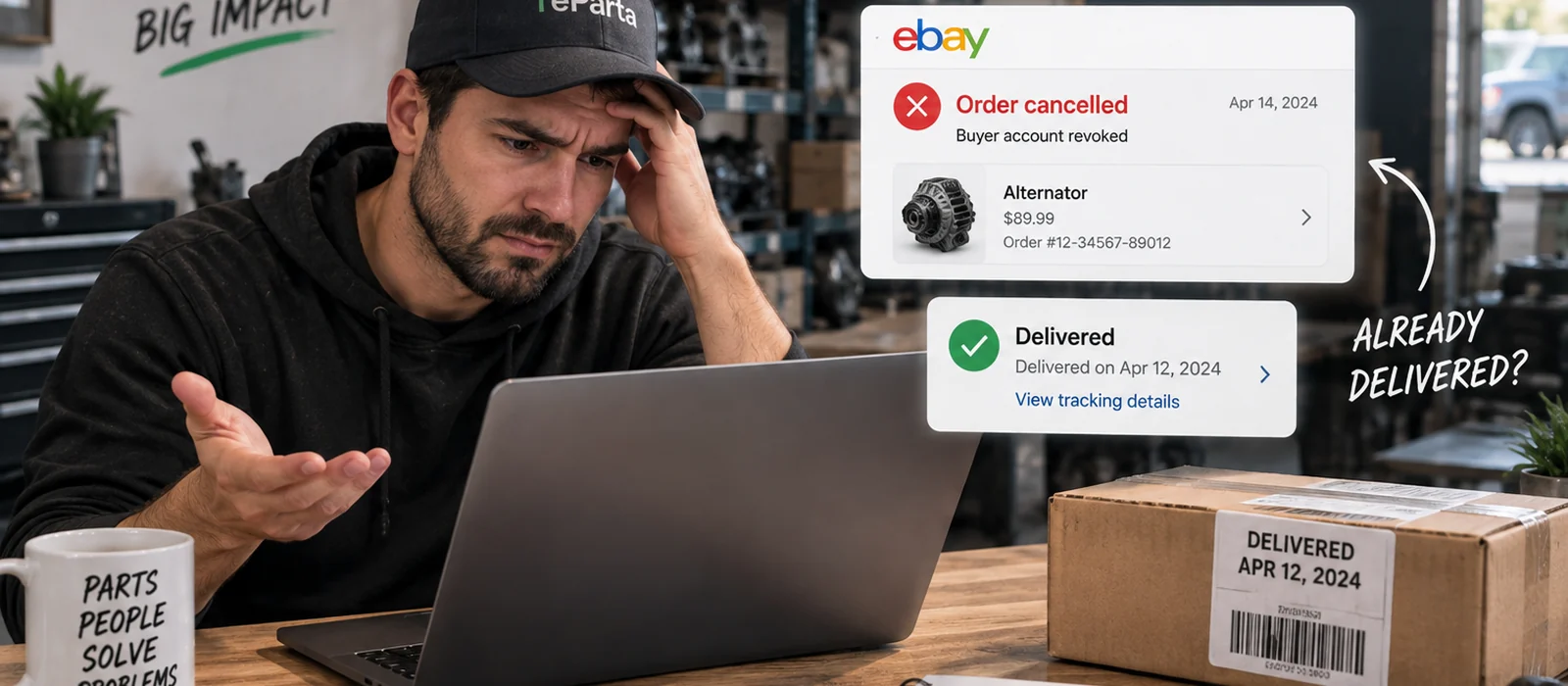
- Cancel an order - for an item that has already sold. Done in Orders with a required reason. Reason matters: buyer-asked and unpaid carry no defect, but out-of-stock or cannot-fulfill is a transaction defect, and using a false reason to dodge it is against policy.
- Cancel bids - a separate auction action to remove specific bids (buyer requested, item no longer available, listing error). Bids cannot be reinstated once cancelled, and the cancellation is logged in the bid history.
- Revise quantity down - for a multi-quantity fixed-price listing, lowering the available quantity pulls some units without ending the whole listing.
Watch out for auto-relist
Ending is not always the end. Fixed-price listings default to Good ‘Til Cancelled and renew automatically until they sell or you end them, and after a refund or a canceled order eBay will automatically relist the item unless you uncheck the relist box. On a one-of-a-kind used part that is a real hazard: cancel a sale and eBay can quietly put the part you no longer have back in front of buyers. Turn off automatic relisting on last-unit parts (Active, More actions, Remove Automatic Relisting), and uncheck relist-after-cancellation when you issue a refund.
Bulk ending in Seller Hub
If you run many parts, Seller Hub lets you end several fixed-price listings at once, which saves real time on cleanup. The exception is auctions with bids: those have to be ended one at a time with a reason, so bulk actions will not cover them.
The multichannel catch: where double-sells happen
Here is the part the how-to never mentions. If you sell a unique part on more than one channel, ending it on eBay only matters if you also remove it from Facebook, your parts network, and your site - before a second buyer purchases the part you no longer have. A part sells on Facebook, and now you have to remember to end it on eBay, fast, while you are doing ten other things. Manual delisting is always a step behind the buyer, and that gap is where double sales happen. It is not just an awkward email: a double-sale costs real money, and cancelling the order you cannot fill is an out-of-stock cancellation, which becomes a transaction defect that drags down your seller performance.
The fix: near-real-time delist, with a manual fallback
The reliable answer is to not race the buyer by hand. When the system that records a sale removes the part from your other channels the moment it sells, listing once and syncing everywhere turns “remember to end it on eBay” into something that happens on its own. That said, no automation is magic: an API request can lag or need a retry, so a good setup is near-real-time sync with a manual fallback for the rare outage - which is exactly why knowing the manual steps above still earns its keep.
How reParta helps
reParta keeps one source of truth for availability across every channel you sell on. The moment a sale is recorded, it delists the part everywhere else: on eBay through your own account and eBay’s native API, so the removal is automatic and near-real-time (calls retry and reconcile if a channel is slow), and on Facebook Marketplace, which has no public listing API, through the reParta browser extension in an assisted, guided flow. The practical result is that ending a listing stops being a chore you have to remember, and because every channel reads from the same availability record, a part is not sold twice - which keeps the out-of-stock cancellations, and the eBay defects that follow them, off your account. It is reliable syncing, not instant magic, and there is a manual fallback for the rare case you need it. It all lives in one auto parts inventory management software.
Knowing how to end an eBay listing is useful. Never having to remember to is better. Start a free 14-day trial - no card required - or see plans and pricing.
Frequently asked questions
Can I end an eBay listing that has bids?
It depends on the format and time left. A fixed-price listing you can end any time. An auction with 12 or more hours left and no bids you can end early. An auction with 12+ hours left and bids requires you to either sell to the highest bidder or cancel the bids first, and with fewer than 12 hours left and qualifying bids you can generally only sell to the highest bidder - you cannot just make it disappear.
Does ending an eBay listing cost a fee?
A fixed-price listing with no sale usually does not. Ending an auction that has bids can trigger a final value fee based on the highest bid, whether you cancel the bids or the reserve was not met, so ending an auction is not always free. eBay may also limit accounts that frequently end listings with bids, and those must be ended one at a time with a valid reason.
What is the difference between ending and deleting an eBay listing?
Ending stops a live listing so no one else can buy it - that is the action that actually pulls a part down. Deleting only removes an already-ended listing from your Seller Hub view; it is housekeeping, not an inventory action, and it does nothing to a live listing. If a part sold somewhere else and is still live on eBay, you end it, you do not delete it.
How do I cancel an eBay order after the part already sold?
Use Seller Hub or My eBay, Orders, Cancel order, and pick a reason. The reason matters: buyer-asked-to-cancel and unpaid carry no seller defect, but cancelling as out-of-stock or cannot-fulfill is a transaction defect, because you are responsible for fulfilling what you sell. Using an inaccurate reason to dodge a defect is against policy. This is exactly the situation a double-sale forces on you.
Why did my ended eBay listing come back?
Auto-relist. Fixed-price listings default to Good 'Til Cancelled and renew automatically, and after a refund or a canceled order eBay will relist the item unless you uncheck the relist box. On a one-of-a-kind used part that is dangerous: it re-exposes stock you no longer have. Turn off automatic relisting on last-unit parts, and uncheck relist-after-cancellation when you issue a refund.